A troubleshooting reference for the most common ABB robot alarms — joint errors, motion faults and controller errors, with root causes and fixes.
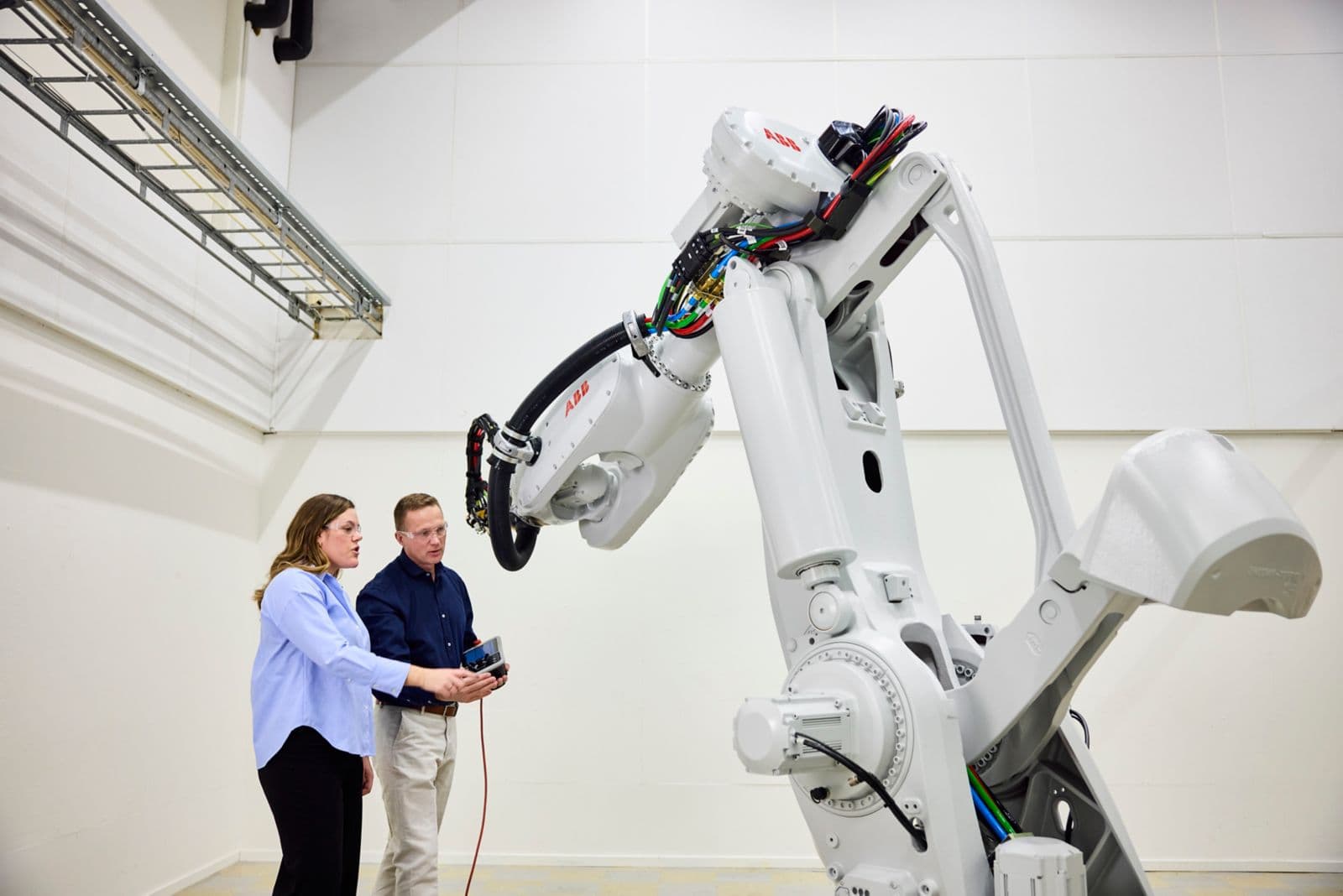
ABB robot alarms are displayed on the FlexPendant and logged in the Event Log (MENU → Event Log). Unlike FANUC's SRVO/MOTN naming, ABB uses numeric error codes with a category prefix. The most important first step: always read the full event log — the root cause is often buried two events before the visible alarm.
Open Event Log: FlexPendant → Main Menu → Event Log. Filter by Error level to see only faults, not warnings.
10xxx — Joint/Drive Errors
Most common joint errors:
- 10005 Motor temp too high — check cooling, reduce cycle speed, verify thermal compound on motor
- 10013 Drive unit temp — check cabinet cooling fan, verify ambient temperature within spec
- 10070 SMB memory error — Safety Measurement Board battery dead, replace SMB battery pack
- 10106 Resolver fault — encoder cable damaged or connector loose, inspect and reseat
20xxx — Motion/Path Errors
Motion errors:
- 20001 Limit exceeded — robot hit a joint limit, check work object position and robot configuration
- 20004 Path accuracy insufficient — tool/work object data incorrect, recalibrate tool
- 20031 Fine point not reached — robot cannot reach taught fine point, check for payload/inertia mismatch
- 20095 Speed exceeded — programmed speed exceeds robot max for that payload, reduce speed
34xxx — Controller/System Errors
System errors:
- 34001 No disk space — controller flash is full, delete old programs and log files
- 34070 Safety configuration error — SafeMove configuration mismatch, re-validate safety setup
- 34100 Fieldbus communication error — I/O module disconnected or IP conflict, check network
Emergency Stop Recovery
After an E-stop on an ABB IRC5 controller: (1) Release all E-stop buttons. (2) On the FlexPendant, confirm no errors remain in the log. (3) Press the Motors On button (or use FlexPendant → Motors On). (4) Switch to Manual mode, jog the robot clear of any obstacle, then switch back to Auto. If the controller shows "Safety stop", verify all safety PLC outputs are released before pressing Motors On.