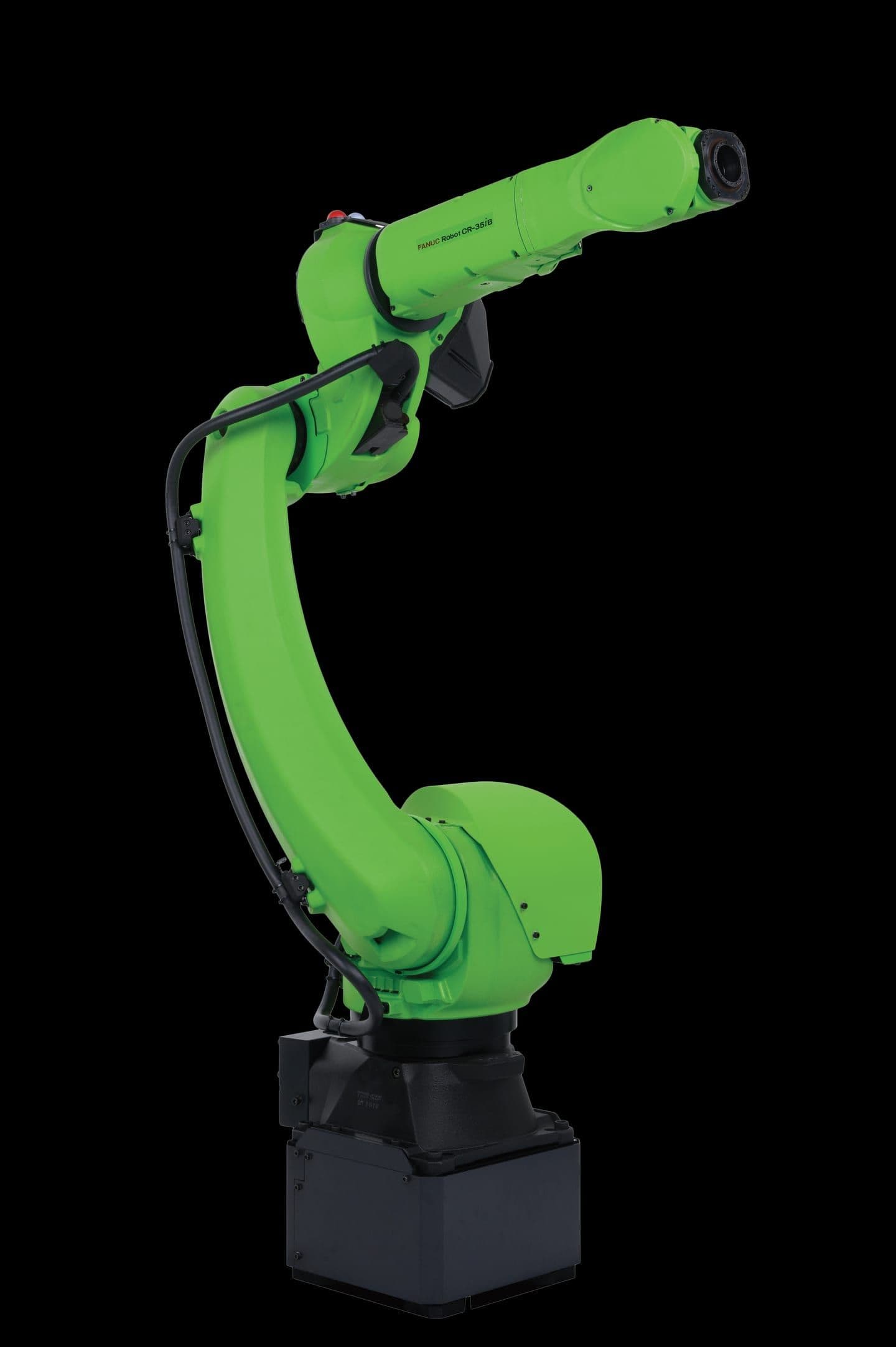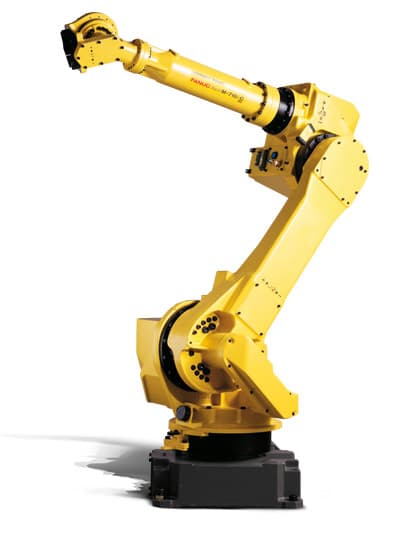
A step-by-step guide to your first FANUC robot program on the Teach Pendant — motion instructions, I/O control, and a complete pick-and-place cycle.
FANUC TP (Teach Pendant) is the native programming language of every FANUC robot controller. It is a line-by-line instruction set that runs directly on the R-30iB / R-30iB Plus controller, making it extremely fast and deterministic. If you are new to industrial robotics, TP is the first language you should learn — and this guide will get you writing real programs in under an hour.
Understanding the FANUC Teach Pendant
The FANUC iPendant Touch is your primary interface for teaching positions, writing programs, and monitoring the robot. The key areas you need to know: the DEADMAN switch (grip it firmly — release and the robot stops), the ENABLE/DISABLE toggle, the coordinate system selector (JOINT, WORLD, TOOL, USER), and the jog speed dial. Before writing any program, always confirm the robot is in T1 mode (test, max 250mm/s) and the E-stop is within reach.
Your First TP Program: Pick and Place
A pick-and-place cycle is the foundation of most robot automation. The robot moves to a pick position, closes the gripper, lifts, travels to a place position, opens the gripper, and returns home. Here is the complete program:
  1: J P[1:HOME] 100% FINE    ;
  2: J P[2:APPROACH_PICK] 80% CNT50  ;
  3: L P[3:PICK] 200mm/sec FINE  ;
  4: DO[1:GRIPPER_CLOSE]=ON    ;
  5: WAIT 0.50(sec)             ;
  6: L P[2:APPROACH_PICK] 200mm/sec CNT50 ;
  7: J P[4:APPROACH_PLACE] 80% CNT50 ;
  8: L P[5:PLACE] 200mm/sec FINE    ;
  9: DO[1:GRIPPER_CLOSE]=OFF   ;
 10: DO[2:GRIPPER_OPEN]=ON     ;
 11: WAIT 0.30(sec)             ;
 12: DO[2:GRIPPER_OPEN]=OFF    ;
 13: L P[4:APPROACH_PLACE] 200mm/sec CNT50 ;
 14: J P[1:HOME] 100% FINE     ;
[End]
Motion Instructions Explained
Every motion line in TP follows the same pattern: motion type → position → speed → termination type. Understanding each element is critical for safe, efficient programs.
Motion instruction elements:
- J (Joint) — fastest motion, all joints move simultaneously. Use for large-distance travel. Path is not linear.
- L (Linear) — TCP moves in a straight line. Use when approaching a fixture or part to avoid collisions.
- C (Circular) — arc motion through two points. Use for sealing, welding, or dispensing along a curve.
- FINE — robot comes to a full stop at the target position. Required for picks, places, and precise operations.
- CNT50 — continuous motion, robot blends through the point without stopping. 0=stop, 100=large blend.
Teaching Positions
Positions in TP are stored as P[n] records. To teach a position: open your program, place the cursor on a motion line, press F5 (TOUCHUP) while holding the DEADMAN and SHIFT keys, then press F3 (YES) to confirm. The robot's current joint angles and Cartesian coordinates are saved to that P[] register.
Always teach approach positions (P[2], P[4] above) at a safe distance directly above the target — typically 100–200mm. This prevents the robot from slamming into a fixture if the program is started from an unexpected position.
Using Position Registers (PR)
Position Registers (PR[n]) are global positions accessible across all programs. They are essential for flexible cells where offsets change at runtime. A common pattern is to store the pick position in PR[1] and use PR[n,element] to modify individual axes:
  1: PR[1]=P[3:PICK]           ; ! Copy taught position to PR
  2: PR[1,3]=R[10:STACK_HEIGHT] ; ! Override Z from a Numeric Register
  3: L PR[1] 200mm/sec FINE     ; ! Move to the computed position
I/O Control
Digital outputs (DO) control external devices — grippers, conveyors, light curtains, signal towers. Digital inputs (DI) read from sensors and PLCs. The basic commands:
  1: DO[1:GRIPPER]=ON          ; ! Set output ON
  2: DO[1:GRIPPER]=OFF         ; ! Set output OFF
  3: WAIT DI[5:PART_PRESENT]=ON; ! Pause until input is ON
  4: WAIT DI[5:PART_PRESENT]=ON,TIMEOUT,LBL[99] ; ! With timeout
Running Your Program
In T1 mode: press RESET to clear any faults, press SHIFT + FWD to run the first line, then hold SHIFT + FWD to continue. Watch the robot carefully on first run — have your finger on the E-stop. Once confident, switch to T2 (full speed test) and finally AUTO mode for production. Always verify approach positions move cleanly before testing the pick/place positions.
Need help integrating a FANUC robot at your facility? Xpert Robotics is a certified FANUC integrator in Israel — contact us for a feasibility assessment.