Integrating machine vision with an industrial robot — camera types, lighting strategy, robot-vision communication, and a HikRobot + FANUC example.
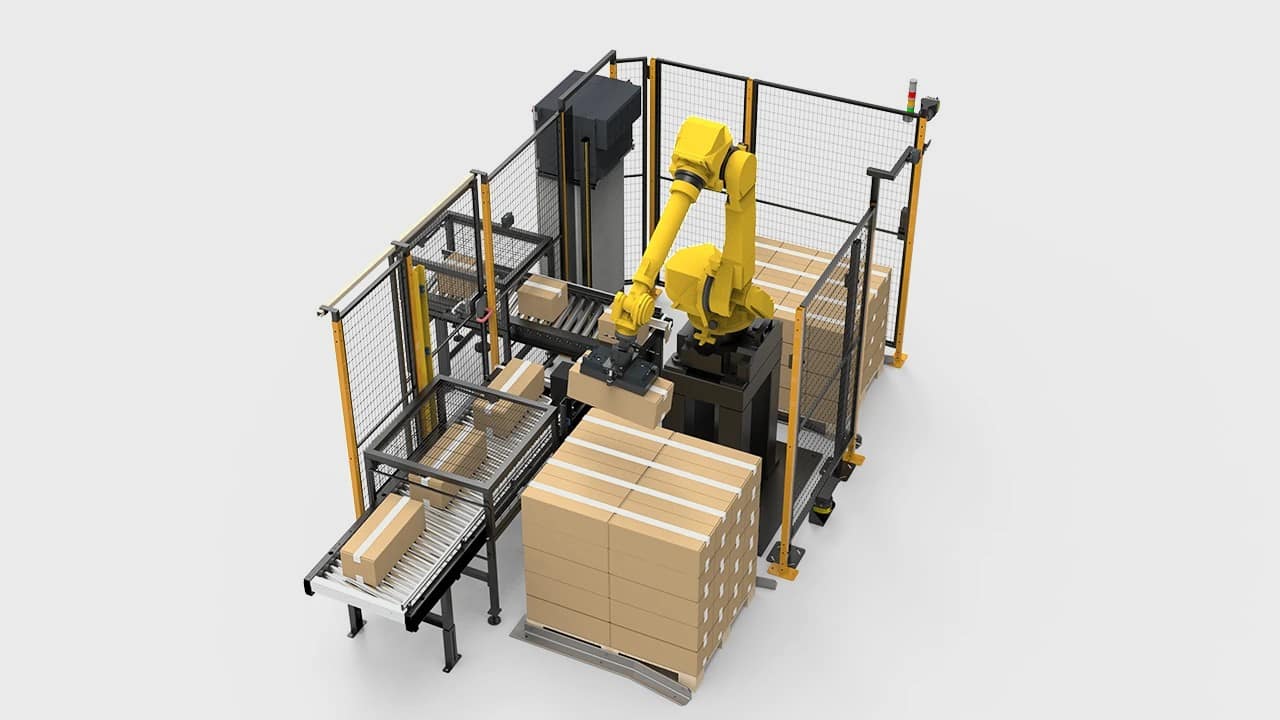
Machine vision turns a robot from a blind tool into an intelligent system that can locate parts, inspect quality, read barcodes, and adapt to variation. Integration is the hard part — the camera, lighting, robot controller, and PLC must all speak the same language at the right time.
Camera Selection
Camera types by application:
- Area scan (2D) — picks, inspections, barcode reading. Most common. HikRobot CA series, SC series
- 3D structured light — bin picking, volume measurement, complex geometry. Slower but location-independent
- Line scan — continuous web inspection, tire surfaces, sheet metal. Requires conveyor motion
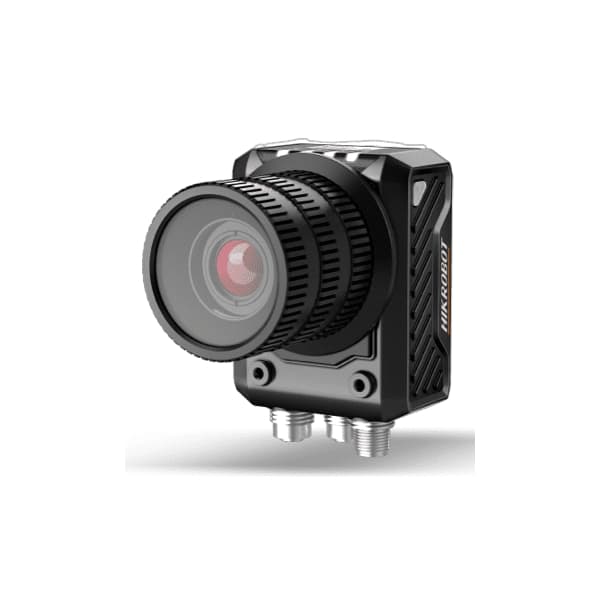
- Smart camera (embedded processing) — SC6000 series. Camera + vision processor in one unit, no separate PC
Lighting: The Most Important Variable
Lighting is more important than camera resolution. A good image with a cheap camera beats a noisy image with an expensive camera. Key principles: use directional lighting to create contrast (backlighting for silhouettes, ring lighting for surface defects, coaxial for flat reflective surfaces). Always enclose the lighting to prevent ambient variation.
Robot-Vision Communication: FANUC + HikRobot
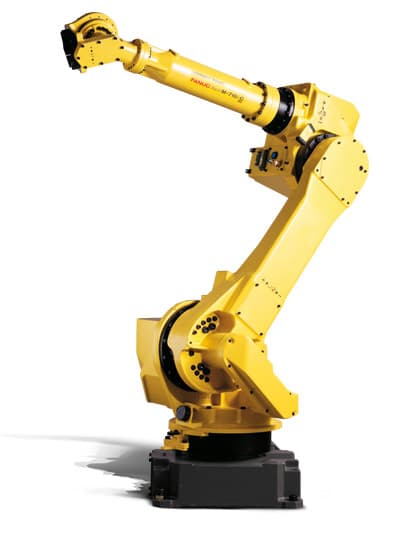
The standard integration pattern: robot sends a digital trigger pulse to the camera, waits for a "result ready" DI, then calls a Karel program that reads the XY offset from a TCP socket. The Karel program writes the offset values into numeric registers, which the TP program then applies to the pick position.
Important: TP cannot directly open TCP sockets or read serial data. Socket communication requires a Karel program (e.g. VIS_READ.PC) compiled and loaded on the controller. The TP program calls Karel, which does the socket read and writes results to registers.
! === PART 1: TRIGGER CAMERA ===
  1: DO[10:CAM_TRIG]=ON     ;  ! Open trigger to camera
  2: WAIT  .02(sec)          ;  ! Hold 20ms — minimum camera trigger pulse
  3: DO[10:CAM_TRIG]=OFF    ;  ! Release trigger

! === PART 2: WAIT FOR VISION RESULT ===
  4: WAIT DI[11:VIS_RDY]=ON,TIMEOUT,LBL[99] ;
                               !  Wait for camera ready signal (note comma before TIMEOUT)

! === PART 3: READ OFFSET VIA KAREL ===
  5: CALL VIS_READ           ;  ! Karel reads TCP socket: XOffset→R[20], YOffset→R[21]
  6: IF DI[12:VIS_FAIL]=ON,JMP LBL[98] ;  ! Camera found no part

! === PART 4: APPLY OFFSET TO BASE PICK POSITION ===
  7: PR[5]=P[3:PICK_BASE]   ;  ! Load taught base pick into PR[5]
  8: R[30]=PR[5,1]          ;  ! Read current X of PR[5]
  9: R[30]=R[30]+R[20]      ;  ! Add vision X offset
 10: PR[5,1]=R[30]          ;  ! Write back to PR[5] X element
 11: R[31]=PR[5,2]          ;  ! Read current Y of PR[5]
 12: R[31]=R[31]+R[21]      ;  ! Add vision Y offset
 13: PR[5,2]=R[31]          ;  ! Write back to PR[5] Y element

! === PART 5: MOVE TO VISION-CORRECTED POSITION ===
 14: J PR[5] 60% CNT50      ;  ! Approach above corrected pick
 15: L PR[5] 150mm/sec FINE ;  ! Fine approach to exact position
 16: JMP LBL[100]           ;  ! Skip error labels

LBL[98:NO_PART] :
 17: DO[14:NO_PART_ALM]=ON  ;  ! Activate alarm output
 18: PAUSE                   ;  ! Hold for operator
 19: JMP LBL[100]           ;

LBL[99:VIS_TIMEOUT] :
 20: DO[14:NO_PART_ALM]=ON  ;
 21: PAUSE                   ;

LBL[100:END] :
Key syntax notes: (1) TIMEOUT in WAIT statements requires a comma before LBL — "WAIT DI[x]=ON,TIMEOUT,LBL[n]". (2) TP cannot do PR[5,1] = PR[5,1] + R[20] in one step — you must read to R[], add, then write back. (3) Always use a Karel program for socket reads — never attempt TCP in TP directly.
Calibration: Hand-Eye Calibration
Before the robot can use vision positions, you must calibrate the camera coordinate system to the robot coordinate system. For a fixed camera (eye-to-hand), teach the robot to touch 9+ points on a calibration grid while recording the camera pixel coordinates for each. The calibration matrix transforms pixel XY to robot XY.
Xpert Robotics has integrated HikRobot vision systems with FANUC and Shibaura robots for quality inspection and bin picking. Contact us for a vision feasibility assessment.