A practical introduction to SCOL2 on Shibaura Machine SCARA controllers: GLOBAL/PROGRAM/DATA structure, labels, a correct MAIN skeleton, and multitasking.
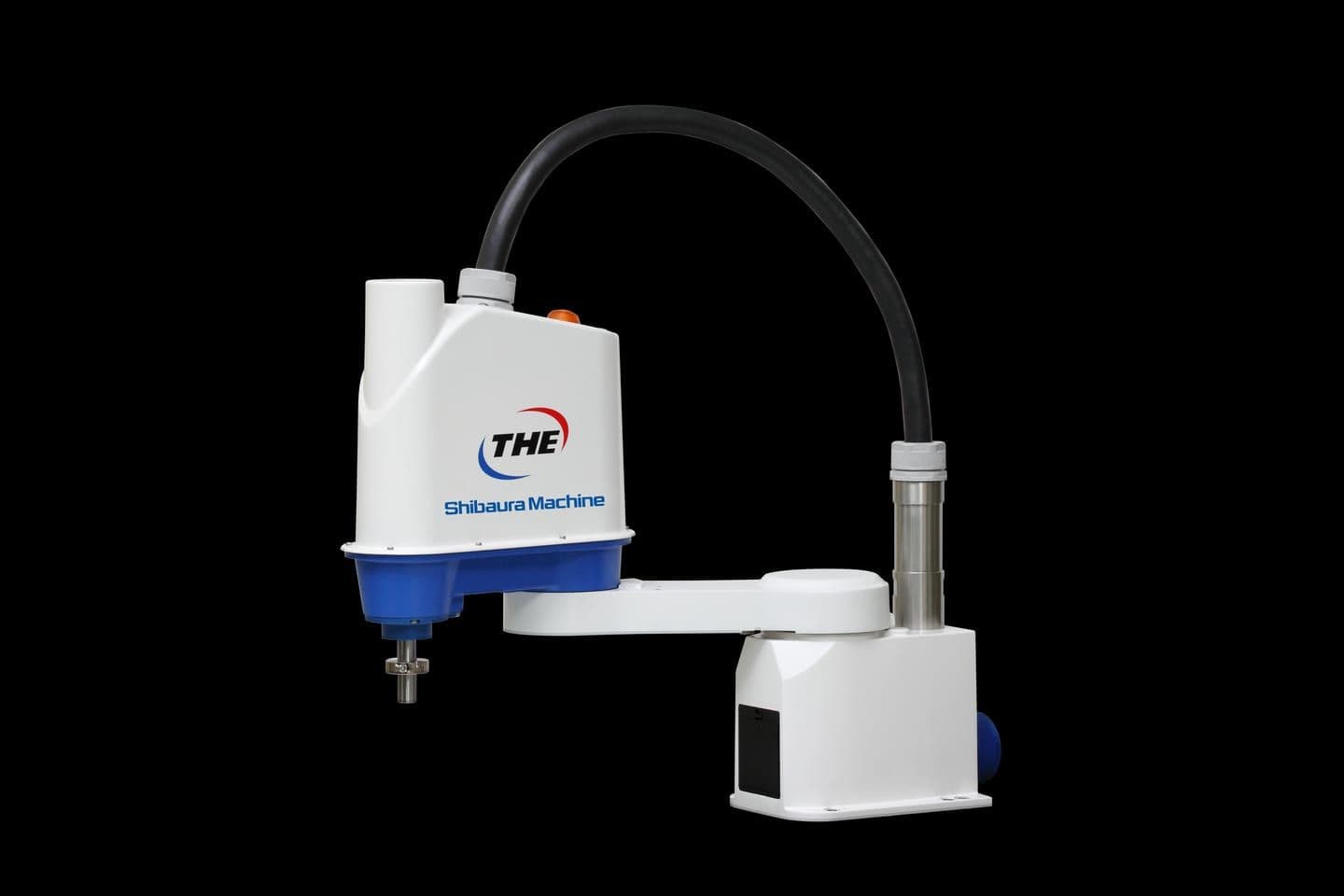
SCOL is the robot language used by Shibaura Machine SCARA controllers — the brand you may still know as Toshiba Machine. The current dialect is SCOL2, and if you have written ABB RAPID or Pascal it will feel familiar: typed variables, structured control flow, and named programs. But SCOL has its own conventions, and two of them — the three-section file layout and the way multitasking shares state — catch almost every newcomer.
This guide covers the file structure, labels and branching, a MAIN program skeleton you can actually build on, and genuine multitasking with TASK, SWITCH and KILL.
The Three Sections of a SCOL File
A SCOL file is not one flat listing. It is built from up to three distinct section types, each delimited by its own keyword and a matching END:
GLOBAL
  MAXTASK = 2
  PARTS   = 0
END

PROGRAM MAIN
  MOVE HOME
END

DATA
  POINT HOME = 600, 0, 100, 0, 0 / RIGHTY
END
What each section is for:
GLOBAL ... END— the global variable area. Anything declared here is readable and writable from anywhere in the file. To fix a variable's type you must give it an initial value; arrays are the exception, sinceDIMsets their type and element count separately.PROGRAM <name> ... END— the program section, and the actual code. Omit theENDand you get a compile error. A file can hold many program sections;PROGRAM MAINis the conventional entry point, and subprograms may take arguments, as inPROGRAM SUB1(N1, N2, N3).DATA ... END— the data section, holding taught positions and coordinate data asPOINT,JOINTandTRANSdeclarations.
Positional data is declared as POINT <name> = X, Y, Z, C, T / <configuration>, with coordinates in millimetres and degrees. Omitted elements default to 0, so POINT A1 = 444.44, 333.33, , , / RIGHTY is legal. The configuration field is FREE, LEFTY or RIGHTY (0, 1, 2) and decides which elbow solution the arm uses — set it explicitly wherever a fixture could be clipped by the wrong pose.
You will rarely type the DATA section by hand. When you edit a program on the teach pendant or in the Shibaura Machine programming support software, positions go through a dedicated data editor and DATA ... END is added for you. Hand-editing it is for offline work and version control.
Your First Program
The smallest useful SCOL program sets a speed, moves through two taught points, and ends:
PROGRAM MOVEA1A2
  SPEED = 20
  MOVE A1
  MOVE A2
END
SPEED is a percentage of maximum, not an absolute velocity. MOVE is point-to-point joint motion — all axes start and stop together and the path between points is not a straight line. Use MOVES when you need linear interpolation of the tool point, typically for approach and retract moves near a fixture.
Labels and GOTO
SCOL branching is label-based. You define a label by putting an identifier at the start of a statement followed by a colon, and you jump to it with GOTO and no colon:
PROGRAM GOTOSAMPLE
  MOVE A1
LOOP:
  MOVE A2
  MOVE A3
  GOTO LOOP
END
The rules that actually bite:
- A
GOTOcan only branch within the same program section. There is no cross-program jump — call a subprogram instead. - A
GOTOwhose label does not exist in that program is a compile error. - Two statements sharing one label name in the same program is also an error — the controller cannot pick a destination.
- The colon belongs to the definition only.
LOOP:defines,GOTO LOOPjumps.
Labels are also how you write a conditional branch, since IF ... THEN takes a statement: IF DIN(3) THEN GOTO REJECT.
GOTO() — branching on a value
SCOL has a computed jump. GOTO(<expression>) <label>, <label>, ... branches to the first label when the expression evaluates to 1, the second when it is 2, and so on, for up to 10 labels:
PROGRAM SORTPART(N)
  GOTO(N) BIN1, BIN2, BIN3
  RETURN
BIN1:
  MOVE A1
  RETURN
BIN2:
  MOVE A2
  RETURN
BIN3:
  MOVE A3
  RETURN
END
If the value is zero, negative, or larger than the label count, execution simply falls through to the statement after the GOTO() — which is why the RETURN immediately below it matters. Real numbers are truncated to integers. This is the clean way to dispatch on a recipe number or a bin index without a chain of IF statements.
RCYCLE: — the cycle-restart label
RCYCLE: is a reserved label with special meaning. On the first cycle the main program runs from its first step; on every cycle after that, execution begins at RCYCLE: instead. Everything above the label therefore runs exactly once, which is where per-job initialisation belongs — a pallet index you must not reset mid-job, for instance, so a depalletising cycle can resume after a stop without starting the layer again.
RCYCLE constraints:
- It may appear only once in the main program.
- Your flow must guarantee that the
RCYCLE:line is actually reached at least once. - It cannot be used in a multitask program — combining
RCYCLEwithTASKraises an error.
A Correct MAIN Program
Here is a single-task MAIN skeleton with the pieces a production program actually needs: one-time initialisation above RCYCLE:, an explicit cycle label, a reject branch, and a clean end-of-cycle exit.
GLOBAL
  PARTS = 0
END

PROGRAM MAIN
'*** ONE-TIME INITIALISATION ******************
  ACCUR   = COARSE
  SPEED   = 20
  PAYLOAD = {5, 20}
  RESET DOUT
  OPEN1
  MOVE HOME

RCYCLE:
'*** CYCLE BODY *******************************
CYCLETOP:
  WAIT DIN(1)
  MOVE PICK + POINT(0, 0, 50)
  MOVE PICK WITH ACCUR = FINE
  WAIT MOTION >= 100
  CLOSE1
  DELAY 0.3
  MOVE PICK + POINT(0, 0, 50)

  IF DIN(3) THEN GOTO REJECT

  MOVE PLACE + POINT(0, 0, 50)
  MOVE PLACE WITH ACCUR = FINE
  WAIT MOTION >= 100
  OPEN1
  DELAY 0.3
  MOVE PLACE + POINT(0, 0, 50)
  PARTS = PARTS + 1

  IF MODE == CYCLE THEN GOTO CYCLEEND
  GOTO CYCLETOP

'*** REJECT HANDLING **************************
REJECT:
  MOVE SCRAP + POINT(0, 0, 50)
  MOVE SCRAP
  WAIT MOTION >= 100
  OPEN1
  DELAY 0.3
  MOVE SCRAP + POINT(0, 0, 50)
  GOTO CYCLETOP

CYCLEEND:
  MOVE HOME
END
Why each part is there:
ACCUR = COARSEup front, withWITH ACCUR = FINEonly on the moves that must land precisely. The controller default isFINE, which forces an exact in-position check before the next statement — every waypoint becomes a dead stop and no path blending is possible.RESET DOUTandOPEN1put the cell in a known state instead of inheriting whatever the last abort left behind.WAIT MOTION >= 100before gripping.MOTIONreports progress of the current move as a percentage, so this is how you confirm the arm has arrived rather than guessing with a delay.DELAY 0.3afterCLOSE1/OPEN1because the gripper is pneumatic — the output changes state well before the jaws do. If you have hand-feedback inputs,WAIT DIN(...)on them is strictly better than a fixed delay.IF MODE == CYCLE THEN GOTO CYCLEENDlets the same program serve single-cycle dry runs and continuous production. Without it, a cycle-mode start still runs forever.- The reject branch rejoins at
CYCLETOP:, not atRCYCLE:— a scrapped part must not re-run initialisation. - The label is
CYCLETOP:, notCYCLE:, becauseCYCLEis a reserved word — it is the system constant compared againstMODE. Appendix B of the manual lists every reserved word, and it is worth checking your label and variable names against it.TIDis another easy one to trip over.
On Shibaura controllers the hand commands OPEN1, CLOSE1, OPENI1 and CLOSEI1 are not built-in instructions — they are library routines that live in SCOL.LIB on the controller ROM drive, and they are thin wrappers around plain DOUT calls on outputs 203/204. They fail if SCOL.LIB is missing, the exact signal mapping can be customised per machine, and after editing SCOL.LIB you must run SELECT again or the change will not reach the program already selected.
Multitasking: MAXTASK, TASK, SWITCH, KILL
SCOL can run up to four tasks concurrently. The main task is created automatically when the program starts and always has task ID 1; you start additional tasks yourself. The classic use is an I/O housekeeping task that answers signals while the arm is busy.
GLOBAL
  MAXTASK = 2
  SUBID   = 0
END

PROGRAM MAIN
  IF SUBID == 0 THEN SUBID = TASK("IOWATCH")
LOOP:
  MOVE A1
  MOVE A2
  SWITCH
  GOTO LOOP
END

PROGRAM IOWATCH
WATCH:
  WAIT DIN(9)
  DOUT(5)
  WAIT DIN(-9)
  DOUT(-5)
  SWITCH
  GOTO WATCH
END
The four primitives:
MAXTASK— declares how many tasks may run at once. It is valid only in theGLOBALsection, the maximum is 4, and the correct value is the number ofTASKcalls plus one for the main task. The controller work area is divided equally between tasks, so an inflatedMAXTASKshrinks the space each task gets and can make a large program unloadable.TASK("<name>")— starts the named program section as a task and returns its task ID. A return of 0 means it failed to start, which is worth testing rather than assuming.SWITCH— yields to another task. SCOL will not preempt a tight loop for you, so this is mandatory, not decorative.KILL(<expression>)— terminates the task with that ID. Killing task ID 1 or a nonexistent ID is a no-op rather than an error. A task restarted afterwards withTASKreceives a new ID.
Five Multitask Traps
Multitasking is where SCOL stops behaving like a general-purpose language. These five are the ones we have actually had to debug on live machines, and none of them announce themselves clearly.
Read these before you write your second task:
- Motion belongs to the main task alone.
MOVEandMOVESin a subtask are an error. A subtask can watch signals, count, and drive outputs — it cannot move the arm. ENABLE NOWAITis shared by every task, not scoped to one. The manual suggests it for an I/O subtask, but switching it on there leaks into MAIN and makes MAIN's motion non-blocking, so MAIN races ahead of the arm. The symptoms are baffling: a gripper cycling mid-travel, or a homing routine reporting complete while the arm is still moving. Leave it at the defaultDISABLE NOWAITunless you have set the per-task controller parameter.- A subtask cannot drive an output while MAIN is moving. Its
DOUTis deferred until MAIN's active motion finishes, while MAIN's ownDOUTtakes effect immediately. So never give a time-critical output to a subtask — let MAIN command it and let the subtask only re-assert or maintain it. WAITon a plain variable never yields.WAIT DIN(1)yields properly, butWAIT FLAG == 1spins, starves MAIN, and MAIN is then never scheduled to setFLAG— a deadlock. Synchronise tasks through I/O conditions, or poll a variable in a loop that callsSWITCH.ON <cond> DO <stmt>is not a background task. It is one-shot: monitoring stops once the action fires. It does not monitor during motion underDISABLE NOWAIT, and if aWAITis in progress when it triggers, thatWAITis cancelled outright. Use it for a genuine one-time event, not to fake concurrency.
DELAY is classified as a movement control command — it stops the arm. That makes it invalid in a subtask that owns no arm, and the compiler will reject it. Time a subtask with TIMER instead.
Where to Go Next
With structure, labels and tasks in place, the next thing that changes cycle time is motion blending — PASS, ACCUR and the surprisingly strict rule that any WAIT, DIN or DOUT between two moves can silently cancel the blend. Section 5 of the manual covers it, and it is worth reading before you try to optimise a cycle.
If you are commissioning a Shibaura SCARA cell in Israel and want the program reviewed before it runs against real tooling, talk to our engineering team. We integrate and service Shibaura Machine SCARA and Cartesian robots, and we have debugged most of the traps above the hard way.
Reference: Shibaura Machine STEA1163, "Robot Language Manual (SCOL2)" REV.5. Command availability varies with controller system version, and SCOL.LIB contents can be customised per machine — always verify against the manual revision and the library actually installed on your controller.